.png?width=147&height=34&name=POS-Nation-Logo-Main%20(1).png)




Grocery Store Inventory Management: A Complete Guide for 2026
Your grocery store has strong foot traffic. Customers leave happy and come back week after week. But still, your profits feel thinner every month. What’s going on?
The answer might be that you’re carrying too many SKUs.
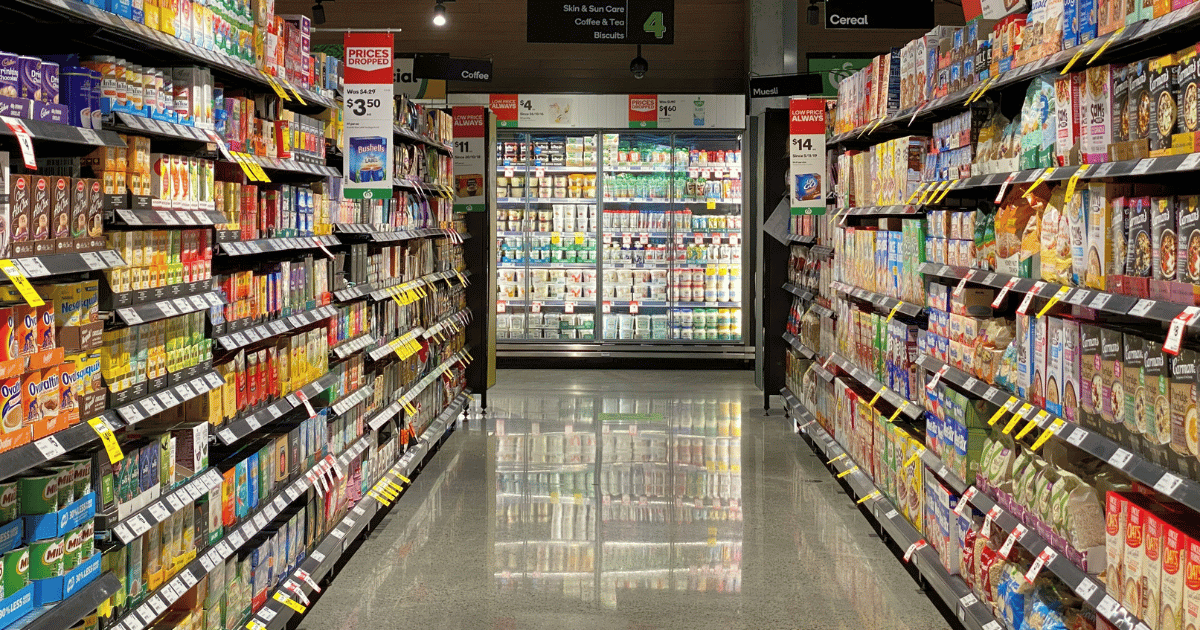
Many retailers assume that more options mean more sales, but the reality tells a different story. When you have too much variety in your store, your shelves become cluttered, customers take longer to make decisions, and your cash is more likely to get tied up in slow-moving inventory.
But how can you determine whether you have too many products in stock?
The solution is to use your point of sale (POS) data to identify your winners and cut the dead weight. In this post, we’ll discuss how to use that information to make better stocking decisions and boost your profits.
You might feel like you know your bestsellers inside and out, but your gut feelings about what’s moving and what’s not aren’t always accurate. If you want to make smarter stocking decisions, you need to rely on real data.
Every time a customer checks out, your POS system captures valuable data about product performance, customer preferences, and inventory turnover. This information reveals patterns you'd never spot just by walking the aisles.
When reviewing your data, you want to focus on the metrics that matter most. Here are some metrics to watch closely:
- Sales velocity
- Profit margins per SKU
- Inventory turnover rates
- Category performance trends.
These numbers help you identify the true winners on your shelves.
Related Read: 8 Inventory KPIs Every Grocery Store Owner Should Track
Next, consider the 80/20 rule. This rule of thumb states that roughly 20% of your SKUs typically generate 80% of your revenue, and it tends to hold true for grocery stores in most markets. The challenge is to figure out which products fall into that critical 20%.
With this context in mind, let’s explore the consequences of SKU overload a little more closely.
Every product on your shelves costs you money in the form of storage space, refrigeration, and capital tied up in inventory that hasn’t yet sold. If you stock a product that sits on the shelf for weeks, you essentially pay rent on space that could generate revenue.
Perishable items make this problem worse. The more SKUs you carry, the higher your risk of products expiring before they sell. You also have to account for the labor costs of stocking a ton of SKUs. More products mean more time spent stocking, rotating, facing, and managing inventory.
Worst of all, too many options don’t improve sales — they hurt them. There’s a psychological term called “decision paralysis,” and when customers have too many options, they’re more likely to freeze up, take longer to make a decision, or walk away without making a purchase.
But the biggest cost of SKU bloat is opportunity. Every bit of shelf space dedicated to an underperformer is space you could give to high-margin winners or new products your customers actually want.
Related Read: SKU Optimization 101: The What, Why, and How
Using Sales Reports To Identify Your Top and Bottom Performers
Now that we’ve thoroughly explored the dangers of SKU overload, let’s discuss what you can do to prevent or correct it. The key is to use your POS system’s reporting features to review your sales data.
Start with your product performance reports. These reports show you which items sell consistently and which ones tend to gather dust. But don’t stop at total revenue for each item. A product might generate decent sales numbers but have terrible margins or sit in inventory for weeks. You need the full picture to make smart decisions.
To get that critical full picture, you need to review sales velocity. This metric helps you distinguish between high-volume staples that move quickly (even with thin profit margins) and slow-moving specialty items that tie up your cash. A gallon of milk and a jar of truffle oil both have their place, but they require completely different strategies.
Don't forget to consider seasonality when you review your data. Some SKUs look weak overall but spike during specific periods. Cranberry sauce is the classic example. It might sit untouched for 10 months, then become one of your bestsellers during the holidays.
Use a modern POS solution to build easy-to-reference dashboards you can review at a glance, then make it a habit to run these reports weekly or biweekly. This regular check-in keeps you on top of performance trends before small problems become big losses.
Category-Level Analysis
Not all departments operate the same way, and a category-level analysis helps you properly prioritize your SKUs for reordering.
Some categories naturally have lower turnover but higher margins, while other staples turn over consistently week over week but give you slim profits. Understanding these differences helps you set realistic expectations for each section of your store.
Separate your daily sales reports by department to identify potential areas for improvement. Maybe your deli is thriving while your frozen foods section consistently underperforms. That's valuable information that should shape how you allocate resources and shelf space.
When it comes to SKU variety, you want to make case-by-case decisions for each department. Some categories need breadth while others need depth. Produce is a great example of a section that benefits from variety. Customers expect to have a ton of options for fresh fruits and veggies. But you may find that condiments or canned goods benefit more from having a deep stock of bestsellers rather than a ton of brand variety.
Inventory Turnover
Inventory turnover shows you how many times per year you sell through your stock. The formula is simple: Divide your cost of goods sold (COGS) by your average inventory value.
For grocery stores, a healthy turnover rate typically ranges from 10 to 20 times per year, though this varies by category. (For example, fresh produce should turn over much faster than canned goods.)
Here are some red flags to keep an eye out for when reviewing inventory turnover rates:
- Products that sit for 60 days or longer
- Items nearing expiration
- Slow movers in high-traffic display areas
These items are your biggest potential profit killers. You also want to avoid the trap of falling into old habits. Don’t automatically reorder slow-moving items just because you’ve always carried them. If something isn't turning over, it’s time to consider removing it from your inventory.
Related Read: How To Run a Grocery Store: 8 Store Management Tips and Tools
Making the Cut: A Data-Driven SKU Rationalization Process
Using the last few sections in this post, you can identify your problem SKUs. Now, you need to decide what stays and what goes. Here’s a simple step-by-step process you can use to get started:
- Pull your reports. Start by gathering sales data by product, including inventory turnover, profit margins, and category performance, from your POS system.
- Create your decision framework. Rank SKUs by a combined score of sales velocity and profit margin. Flag products in the bottom 20% of performers. This gives you a clear list of candidates for elimination.
- Consider context. Don't cut blindly based on numbers alone. Some low sellers draw specific customers, complete a product line, or support some other aim for your store.
- Test before eliminating. Try moving slow products to less premium shelf space or running a promotion before discontinuing them entirely. Sometimes a product simply needs better placement or a price adjustment.
- Monitor the impact. Track sales after making cuts to ensure you didn't eliminate something customers actually want. If you notice a drop in sales in a related category or receive customer complaints, be prepared to make adjustments.
Remember: You don't have to slash 30% of your SKUs overnight. Start with the obvious losers and cut more from there as you see results.
Reinvesting in Winning Products
Once you've cut the dead weight, you'll find you have a lot of open shelf space and freed-up capital. Don't let it sit empty. This is your chance to double down on what's actually working.
Use that premium shelf space to increase facings of your top performers. More facings mean fewer stockouts, which means you're not losing sales when customers reach for their favorite products.
Cutting some SKUs also gives you better cash flow, which you can use to test new products.
Look for items that fill gaps in what your customers are asking for — now you have the budget to try those products and see if they’re your next big seller.
Finally, remember: Don’t treat SKU rationalization as a one-time project. Make it part of your quarterly review process. Markets change, customer preferences shift, and new opportunities emerge. Staying profitable requires ongoing attention to what works and what doesn't.
Turn Grocery Store Data Into Confident Stocking Decisions
Too many SKUs are a drain on your profits, but using this guide, you should be able to review your sales data and make better stocking decisions. But to get the most out of your inventory data, you need a POS system with the right features and reporting capabilities.
POS Nation’s grocery store point of sale solutions make SKU rationalization simple. Our easy-to-read reports highlight top and bottom performers at a glance. Inventory tracking shows exactly what's moving and what's sitting. Category analysis reveals department-level opportunities you might be missing.
Ready to see which SKUs are hurting your bottom line? Build and price your ideal solution with POS Nation today.


With 12 years in the POS industry, Cort's journey as President of POS Nation parallels the transformation from legacy systems to cloud-based solutions. During this evolution, he recognized that inventory management remained a persistent challenge for store owners. His strategic decision to specialize in key industries has set POS Nation apart from broader market players. By developing deep expertise in specific retail sectors, his team delivers more targeted, effective solutions than one-size-fits-all alternatives. This focused approach has established POS Nation as an industry expert, helping store owners solve their most pressing operational challenges through specialized point of sale solutions.