.png?width=147&height=34&name=POS-Nation-Logo-Main%20(1).png)




Grocery Store Inventory Management: A Complete Guide for 2026
Grocery stores handle produce differently from other types of inventory — you can’t stack it on a shelf and leave it for later.
Fruits and vegetables are perishable and sensitive to temperature and humidity, and seasonal shifts can affect supply and quality. How you plan, receive, and track each delivery directly impacts overall freshness and waste.
This article walks through seven practical tips for managing produce deliveries. We’ll cover what to plan before delivery, how to handle shipments upon arrival, and what to track afterwards.
7 Tips To Better Manage Grocery Produce Deliveries
Managing produce deliveries requires attention at every stage, from planning and scheduling to inspection and tracking.
We’ve grouped these tips by delivery timeline so you have a clear path for each phase, helping you make the most of your time, staff, and resources (like your point of sale (POS) system).
Before the Delivery: Planning and Prep
Before trucks arrive, most stores think about timing, space, and how the delivery affects the rest of the day.
A little prep helps reduce waste and keeps staff from rushing at the last minute.
1. Time deliveries around your team
When possible, coordinate delivery windows around your staff’s schedule so team members can handle shipments without disrupting customer service. If mornings tend to be busiest with customers, for example, schedule customers’ deliveries for mid-afternoon.
But notably, not all stores can control when shipments arrive. In those cases, the focus shifts more to proper preparation — keep the warehouse or delivery space clear, and assign staff to unload, store, and inspect incoming produce. Even if you only know the delivery day, this information helps you finish all necessary tasks before the truck arrives.
Related Read: How To Run a Grocery Store: 8 Store Management Tips and Tools
Team members handling deliveries should also know how to scan and log items directly into your POS system. Real-time inventory tracking helps you spot stock shortages, track turnover, and maintain accurate records for ordering and reporting.
2. Match orders to your storage space
If you’ve ever had to shove boxes into ill-fitting shelves or stack them in unstable piles, you know how quickly a delivery can fall apart when storage space doesn’t match your order size.
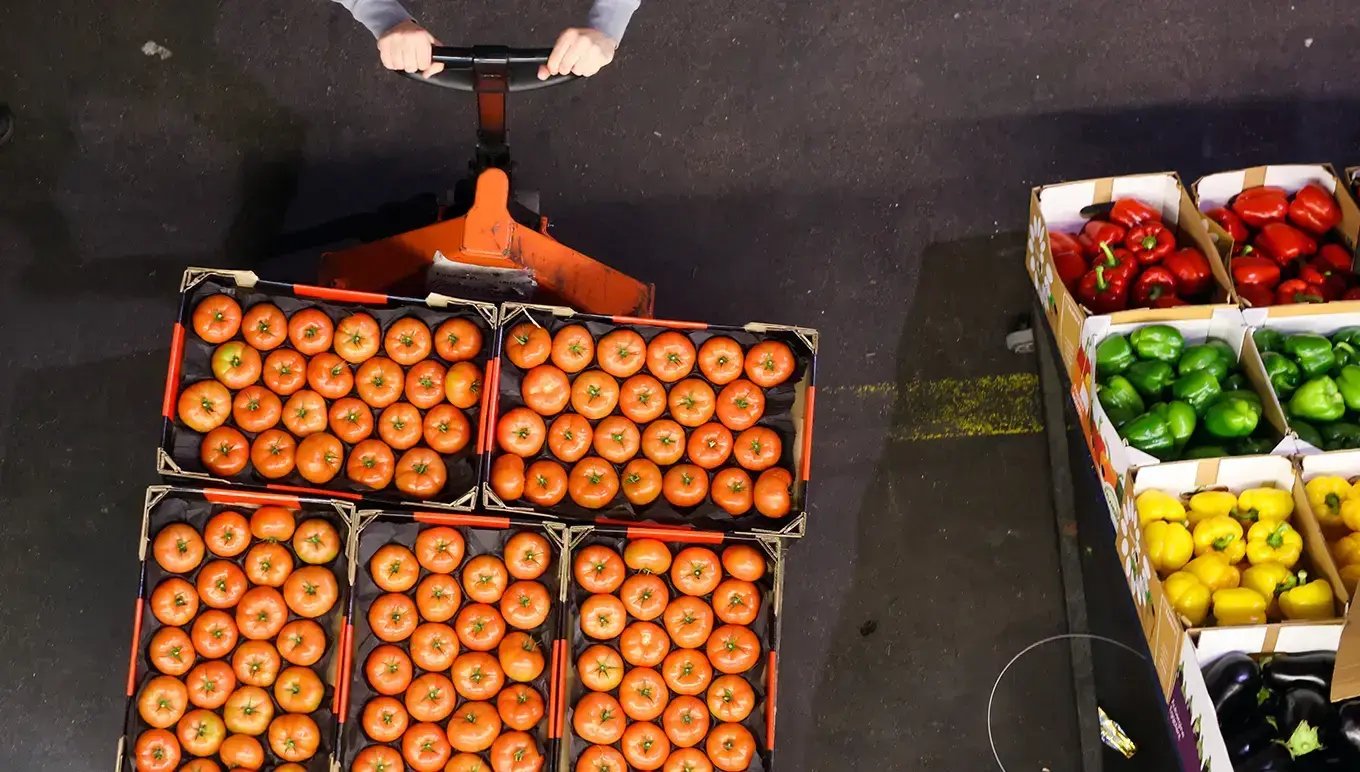
Produce needs clear paths, proper airflow, and the right temperature zones, so the space you have directly affects how well you can handle each shipment. Before every delivery, check that you actually have enough refrigeration and dry-storage space for your incoming produce.
(Image source: Aptean)
To make the most of the space you already have, focus on:
- Clear labeling so staff can sort and store items properly
- Dedicated spots for high-turnover produce
- Shelving arranged by temperature needs
- Open walkways for quick unloading and movement
- Regular clean-outs to remove old product before new shipments arrive
Your POS system ties this together by showing current stock levels and how quickly items sell, which helps you right-size orders to your available space.
When your order quantities match your capacity, produce moves from the truck to the correct temperature zone without delays — and stays in better condition for customers.
During the Delivery: Receiving and Quality Control
It’s delivery day! Between unwrapping palettes and moving boxes, your team has a short window to inspect, store, and track produce.
Having clear routines and standards in place makes the process faster and more reliable.
3. Inspect and rotate produce for freshness
Ideally, every produce item arrives in peak freshness and quality — but that isn’t always the case.
Seasonal changes, transit time, or handling during shipping can leave some items overripe, damaged, or at risk of spoiling. Checking each item as it arrives protects the rest of the inventory and helps maintain consistent quality for customers.
Bonus Resource: How Does the Grocery Supply Chain Work?
For refrigerated or frozen items, a quick temperature check confirms that items are within safe ranges. Examining boxes for crushed packaging, leaks, or contamination also keeps any problems from spreading to other products.
A first in, first out (FIFO) inventory rotation prioritizes moving older items before newer shipments, keeping produce fresh and safe. Focus on short shelf-life items like berries, leafy greens, and herbs to limit waste, and use clear labeling and POS tracking to make FIFO easy for your team to follow.
Your POS can also track supplier lot numbers or batch codes, creating a clear trail if any issues come up. Handling produce in this way helps items reach the sales floor in the best possible condition — so you can consistently meet customer expectations.

4. Maintain the cold chain and handle issues promptly
Speaking of temperature control, keeping produce at the right conditions doesn’t stop after initial inspection.
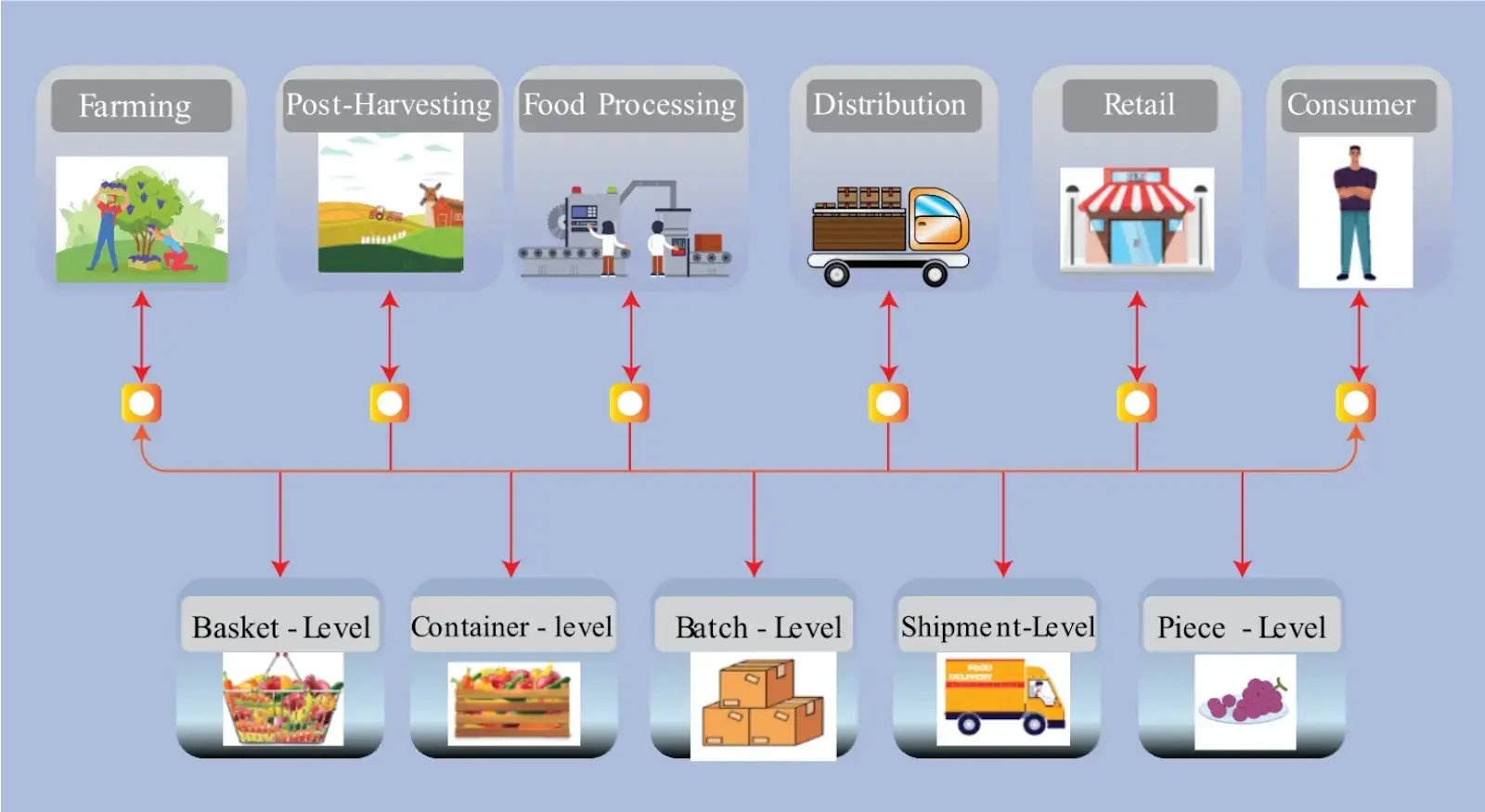
The cold chain keeps temperature-sensitive produce at the proper conditions from delivery to storage, protecting freshness, safety, and shelf life.
(Image source: Sathiya, V., Nagalakshmi, K., Raju, K. et al.)
Moving items quickly into their designated storage zones preserves shelf life, while monitoring those zones during and after unloading prevents problems from slipping through.
Assign a few staff members to monitor cold areas and storage spaces, making sure temperatures stay steady, walkways remain clear, and the area stays clean and ready for the next shipment.
Training your team on proper handling procedures also helps them recognize when produce simply looks “off” versus when it shouldn’t go on the sales floor. Maintaining consistent standards at every step preserves quality and reduces waste across the store.
Keeping the cold chain stable and actively monitoring storage areas ensures produce reaches the sales floor in prime condition while maintaining inventory accuracy and reducing losses.
After the Delivery: Tracking, Optimization, and Cost Management
Once your team has unpacked, inspected, and stored your latest shipment, the work doesn’t stop there — the focus then shifts to reviewing results and planning for your next delivery.
5. Track supplier performance and spoilage
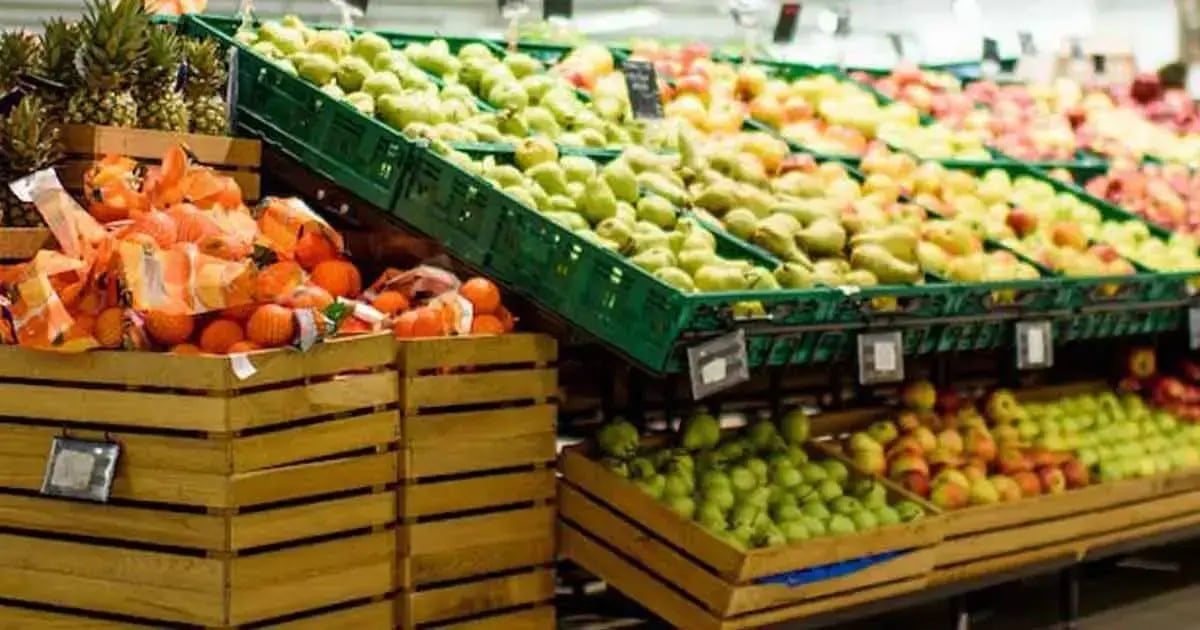
Some suppliers consistently deliver high-quality produce that moves quickly, while others may have recurring issues with damaged items, late shipments, or slower-selling products. Monitoring these patterns helps you make smarter decisions about future orders and delivery schedules.
To get the most from your POS inventory data, focus on:
- Consistently logging damaged or rejected items to see trends across multiple deliveries
- Comparing suppliers on speed of delivery, product turnover, and consistency of quality
- Identifying seasonal or recurring issues that may affect specific produce categories
- Tracking spoilage rates to adjust order quantities or timing
Documenting and regularly reviewing this information lets you refine orders, reduce waste, and negotiate with suppliers based on concrete performance data.
(Image source: Oracle)
6. Assess storage space and labor costs
After deliveries, take time to review how staff handled unloading, rotation, and storage.
Did they have clear paths to move items? Were high-turnover products easy to reach? How much time did it take to rotate and stock each item?
Then, use these observations to adjust shelving layouts, assign staff where they’re most needed, and plan deliveries to prevent bottlenecks.
Your POS shows which products spend the longest in storage, helping you allocate staff time more effectively. Compare this data with turnover and shrinkage to identify where changes to order sizes, rotation practices, or storage placement could reduce waste.
7. Fully leverage POS software
Your POS ties every stage of produce management together, consolidating your inventory, reorder history, and supplier performance into one system. This gives you a clear picture of how each shipment impacts your store’s operations and the quality of perishable goods.
If you haven’t already, use your system to automate purchase orders so you’re not stuck with excess stock you don’t have room for. Pair this with alerts for temperature changes, low stock, and fast-moving items to catch potential issues before they affect your inventory.
Related Read: 11 Key Performance Indicators Grocery Stores Should Track
Sales and inventory reports can give you even more data on which items sell quickly, which linger too long, and which suppliers consistently meet quality standards.
By regularly reviewing POS data across ordering, storage, and monitoring, you’re better prepared to manage perishable inventory.
Manage Produce Deliveries With the Right Tools
Produce deliveries are challenging, even for the most experienced teams. Each shipment has its own timing, storage needs, and quality concerns, and skipping a step can quickly affect freshness and waste.
Approaching every stage strategically keeps your team aligned. When everyone knows their role, produce moves more efficiently, stays fresh, and reaches customers at peak quality.
An industry-specific POS system, like those offered by POS Nation, gives your team the tools and data that matter most.
Inventory tracking shows you which items sell fastest, vendor management coordinates multiple supplier schedules, temperature alerts prevent cold chain breaks, automated purchase orders reduce overordering, and sales reports highlight top-performing suppliers.
Use POS Nation’s free Build and Price tool to design your grocery store’s ideal system — no unnecessary features, no clutter — so your next delivery runs smoothly from start to finish.


Spence started out selling point of sale technology to cigar stores. He was so passionate about providing an industry-specific solution to tobacco shop owners that he started his own business: Cigars POS. Spence believes small business owners are essential to thriving communities. He writes passionately about marketing, inventory management, and POS software — three topics he believes every tobacco store owner should learn about. "I've seen firsthand how much courage it takes to build a thriving business. That's why I'm passionate about helping store owners make smarter inventory decisions that keep products moving and cash flow healthy. Small businesses are the backbone of thriving communities, and I'm committed to giving them the tools they need to succeed."