.png?width=147&height=34&name=POS-Nation-Logo-Main%20(1).png)





10 Small Business Saturday Tips for Retailers
A grocery store can do everything right with customer service and still lose money on the shelf.
Margins run thin — often in the low single digits after payroll, shrink, and overhead — so the fixes that actually move the needle aren't glamorous: a repriced SKU, a shift moved an hour earlier, a report someone finally reads every week instead of once a year.
This guide breaks down grocery store operations into the three areas that actually control profit: finances, floor management, and technology. Each one comes with quick fixes you can run this week and longer-term plays worth building toward — whether you're finally replacing a system your store has outgrown or setting one up for the first time.
How Do You Improve Grocery Store Operations?
The short answer? Get your numbers right, run an efficient sales floor — covering stock, staffing, and layout — and let technology handle the tracking. Here's what that looks like in each area:
- Finances: Know your margin by category, price with intent, and check your reports weekly rather than quarterly.
- Floor management: Rotate stock before it expires, staff to your actual traffic patterns, and lay out the store around what customers actually buy together.
- Technology: Tie it all together with a modern point of sale (POS) system so you're not reconciling three spreadsheets to answer one question.
Now let's dig into some specific tips, tools, and quick changes to act on.
Related Read: Small Grocery Store Business Plan: 6 Mistakes To Avoid
Finances: Set Your Margins, Price With Intent, Know Your Numbers

Grocery is a volume business with thin margins, so pricing and reporting mistakes get expensive fast. These five moves protect the margins you already have.
1. Set target margins by category, not just storewide
A single storewide margin target hides where you're actually making money. Dairy, produce, and center-store dry goods carry different margins and different shrink risk, so set a target range for each category. Price against that range instead of a flat markup across the whole store.
Pro tip: Review category margins monthly, not annually. A single supplier price increase can quietly erode a whole category's margin for months before anyone notices it on a profit and loss (P&L) statement.
2. Price with customer psychology and competitors in mind
Two pricing habits pay off almost immediately:
- Charm pricing: $4.99 reads as meaningfully cheaper than $5.00, even though the actual gap is a cent.
- Competitive checks: Spot-check competitor prices regularly on your top 20–30 traffic-driving items. Tools like PriceCheck automate this so no one has to visit a rival store with a clipboard.
Example: Try repricing just your 25 highest traffic items to match local competitors, and leave the rest of the store alone. You'll likely see basket counts rise without lowering prices on the items they aren't shopping around for anyway.
Not sure where to start with category pricing? Grab our free guide on how to best price your grocery products.

3. Run promotions that build baskets instead of just cutting price
Discounting everything is the easiest way to erode margin. Better promotions include:
- Mix and match deals on categories often bought together (chips and dip, for example)
- Buy one, get one (BOGO) offers on overstocked or short-dated items
- Point-based loyalty rewards for repeat purchases, not just one-time discounts
Run promotions through your POS system so you can see which ones actually grew basket size versus which ones just discounted items customers would've bought anyway. Loyalty data is also useful beyond the discount itself — use a customer's purchase history to build personalized promotions rather than one blanket offer for everyone.
4. Standardize reporting so "knowing your numbers" means the same thing everywhere
When reporting isn't standardized across departments or locations, "knowing your numbers" turns into a game of telephone. Track the same core KPIs everywhere, on the same schedule. Here are some key numbers to track.
This is also how you catch inventory shrink and employee errors while they're still small. It’s a lot easier to trace back the cause of a discrepancy on a weekly report than it is three months later, buried in a P&L.
5. Watch cash flow and supplier terms as closely as profit
Profit on paper doesn't pay a supplier on Tuesday. Set a budget, compare it against actual monthly spend, and keep a cash buffer in case of slow seasons or a broken walk-in cooler. It's also worth revisiting your supplier list at least twice a year — consolidating orders with your top vendors and negotiating volume terms improve margin without touching a single price tag.
Accounting software like QuickBooks or Xero handles the tracking; a POS system supplies the sales and purchasing data that makes the forecast accurate. If you're currently juggling separate bills for your POS, accounting, and payment processing, consolidating them into one system and one invoice also removes a place for a number to drift unnoticed.
Finances: Quick Wins & Long-Term Goals
Related Read: GUIDE: How To Use Your Point of Sale Analytics To Increase Profits
Floor Management: Timing, Layout, and Inventory Discipline
What happens on the floor decides whether inventory turns into revenue or into shrink. Here are four ways to keep it running on a schedule instead of guessing.
1. Track expiration dates and rotate stock using a reliable system
Pick a rotation method (or combine a few) and run it consistently:
- First in, first out (FIFO): Sell your oldest stock first so nothing expires quietly at the back of a shelf.
- Cycle counting: Count a different section of the store each day or week instead of shutting down for one massive annual count.
- Just-in-time (JIT) ordering: Order perishables closer to when you expect to sell them, so spoilage doesn't sit on the shelf as buffer stock.
Pair whichever method you use with a POS system that flags approaching expiration dates automatically, and train staff regularly on food safety and hygiene standards so rotation is a habit, not a once-a-quarter cleanup.
If you run a meat, deli, or seafood counter, connect your scale to that same system. A scale that talks to your POS catches an expiring item or a pricing mismatch before it becomes a markdown, so you don’t rely on someone noticing and repricing it by hand.
2. Staff to your actual peak hours
Pull traffic data from your POS system by hour and day of the week, then build schedules around it instead of the schedule you've always run. Cross-train associates on both stocking and register work so any employee can shift to a checkout lane the moment a line builds, without waiting for a manager to reassign anyone.
Cross-training pays off beyond the schedule, too. Associates who can competently cover more than one role are your first candidates for shift lead or assistant department manager roles as they open up, and the added responsibility tends to improve retention on its own.
Related Read: 4 Hiring Tips for a First-Time Small Business Owner
It also motivates the staff you already have — ongoing training signals that you're investing in them, which tends to do more for retention than a raise alone.
Example: If you notice a consistent rush — say, Thursdays from 4 p.m. to 6 p.m. — move a couple of stocking shifts into register support during that window instead of adding hours. You'll cut checkout wait times without adding payroll.
3. Lay out the store around what customers actually buy together
Your POS data shows which items get purchased in the same basket, not just which items sell the most individually. Use that to place complementary products near each other (ground beef near hamburger buns, chips near dip), and give a growing category, like organic or grass-fed products, its own clearly marked section instead of scattering it throughout the store.
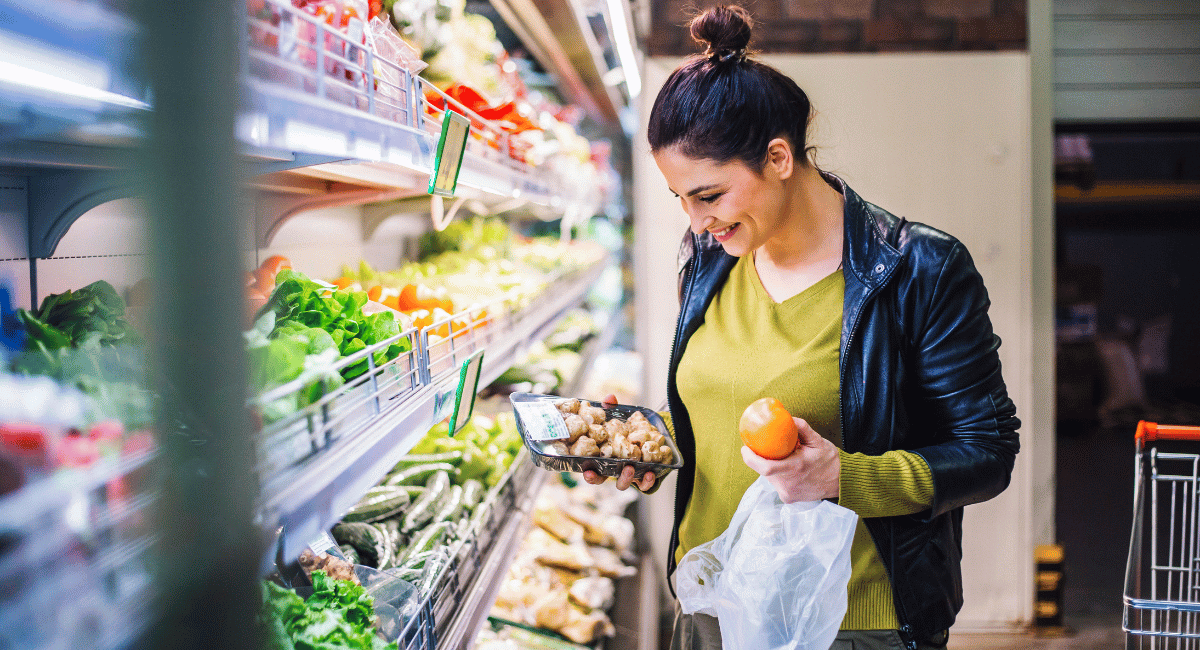
4. Speed up checkout without adding headcount
Self-checkout lanes handle small basket shoppers so your staffed registers can focus on large carts and customers who need help. Add scanner scales and security doors to keep shrinkage in check, and offer contactless and mobile wallet payment at every lane so speed doesn't come at the cost of payment options.
Worried about shrink at unstaffed lanes? See our guide to self-checkout security for specific safeguards worth adding.
Pro tip: Keep at least one fully staffed lane open at all times, even next to a bank of self-checkout kiosks. Elderly shoppers, large orders, and complicated returns still need a person, and a store with zero staffed lanes reads as understaffed even when it isn't.
Floor Management: Quick Wins & Long-Term Goals
Related Reads: How To Increase Sales With a Grocery Store Layout Strategy
Technology: The System That Ties Finances and the Floor Together
Every tip above gets easier or harder to implement depending on the technology behind it. A modern POS system is what turns "we should track that" into a report you can actually pull. Here's what the right technology brings to the table.
1. Integrated payments
Customers expect to tap a card, phone, or watch, and be done — and if you accept SNAP/EBT, your system should sort eligible items automatically instead of leaving a cashier to separate them by hand mid-transaction.
A POS system with integrated payment processing supports credit, debit, mobile wallets like Apple Pay and Google Pay, tap-to-pay, and item-level EBT, all inside one transaction flow.
2. A dashboard built around how you actually work
Cloud-based systems give you real-time inventory and sales data from anywhere, not just from the terminal on the counter. Look for a customizable dashboard so managers see the reports relevant to their department — produce shrinkage for the produce lead, labor costs for the store manager — instead of one generic screen for every role.
If you're setting up your first store, this also matters for training; a new hire should be able to find what they need on day one without a manual.
3. Digital inventory management
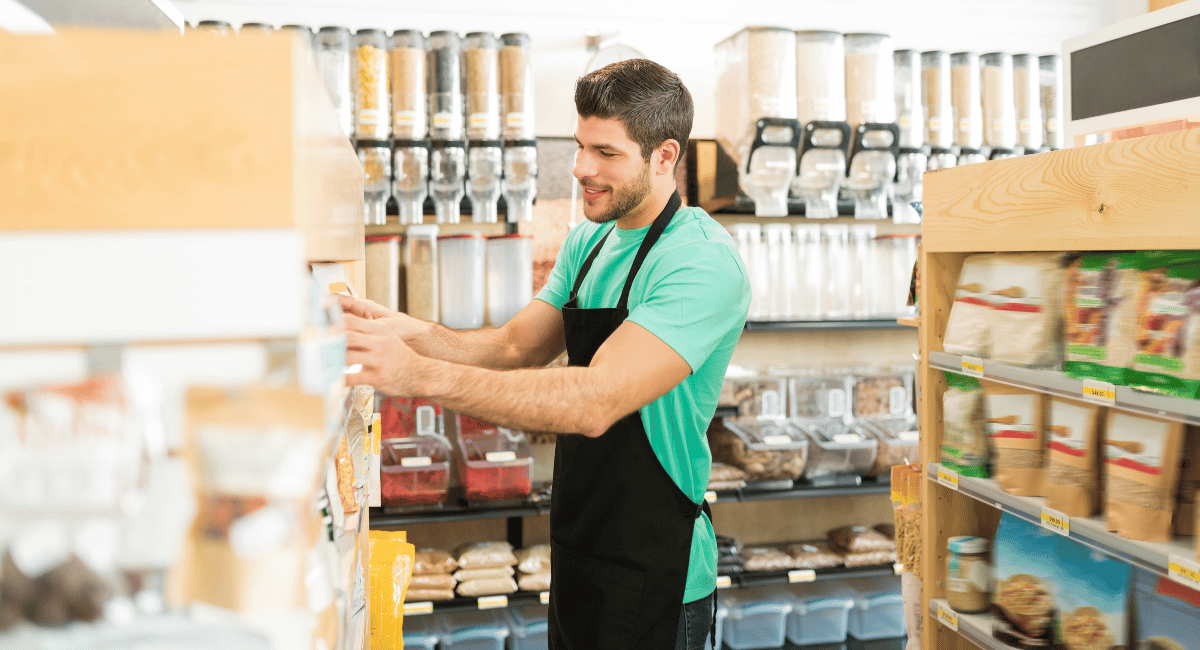
Barcode scanning cuts manual entry errors, unique SKUs make every product trackable, and automated par-level alerts tell you what to reorder before you're out. If you're building your catalog from scratch, look for a system with a central product database that recognizes common barcodes and suggests a starting price for your area — a much faster start than building every item by hand.
The right system also tracks supplier lead times, so you can spot patterns and stop carrying excess buffer stock just to cover a slow vendor.
Pro tip: If adding or editing an item today means filing a support ticket and waiting, that's worth fixing. You should be able to update your own catalog instantly and not route every change through someone else's queue.
4. Back office automation
Payroll, scheduling, and accounting integrations remove the manual data entry that eats away a manager's evening. A system that connects to finance software and generates reports means you're checking numbers instead of building the report the numbers live in.
This is also where you set up manager and employee permissions with an audit trail, so if an inventory count or price changes, you know who did it and when — the fastest way to catch shrink before it becomes a pattern.
Example: Connect your POS to QuickBooks or Xero and set up prebuilt reports for sales, shrinkage, and inventory turns. One connected system replaces the routine of logging into three different tools to answer one question.
Technology: Quick Wins & Long-Term Goals
Related Reads: 8 Inventory KPIs Every Grocery Store Owner Should Track
Improve Grocery Store Operations With POS Nation
Start with the quick wins above, then build toward the bigger changes as time and budget allow.
An all-in-one POS system built for grocery makes all of it easier — checkout, inventory, loyalty, and reporting in one dashboard, accessible from anywhere. Look for a solution with strong reporting on sales, shrinkage, and inventory turns, plus flexible payment options like tap-to-pay, mobile wallets, and EBT.
Schedule a demo to see how the right POS platform helps grocery store owners tighten pricing, floor operations, and reporting from one dashboard.


With nine years in content marketing and six years specializing in B2B tech, Gina leads the content team at POS Nation. Her expertise spans content writing, SEO, video, graphic design, and email marketing, with deep knowledge of retail technology and point of sale solutions.