.png?width=147&height=34&name=POS-Nation-Logo-Main%20(1).png)




How Does Contactless Payment Work? [+ Why Your Store Needs It]
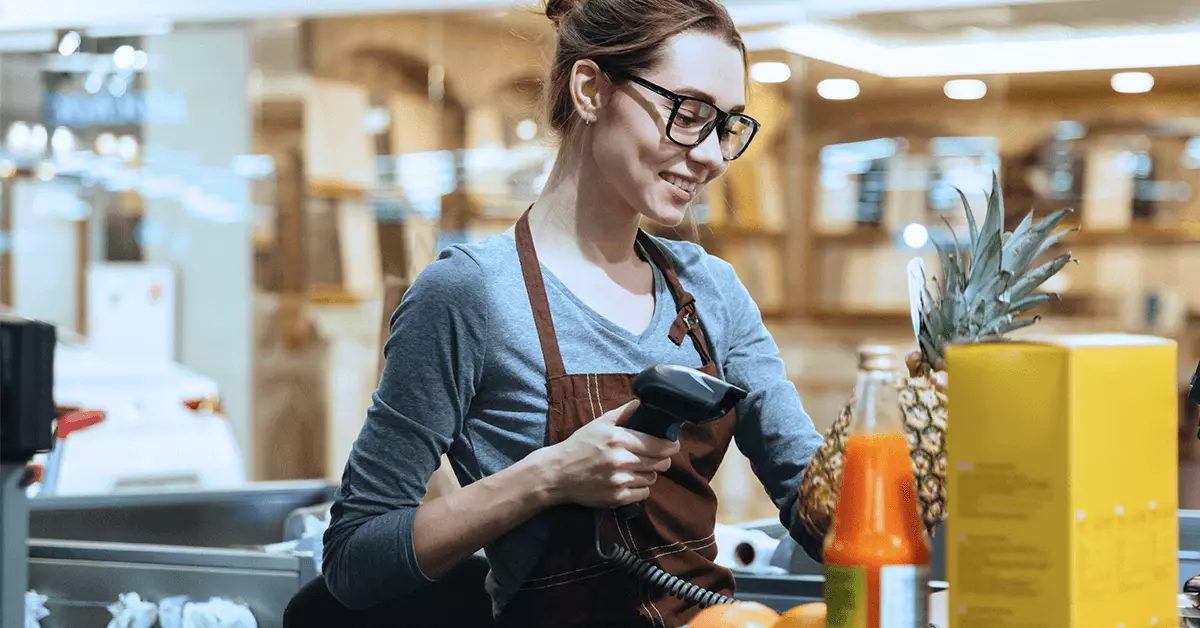
Scanning barcodes is so second nature in retail, it’s easy to undervalue how important a reliable barcode scanner is.
A great barcode scanner is the difference between a fast-moving line and a frustrated customer. But what’s the best barcode scanner for retail? Like all point of sale (POS) technology, it depends heavily on your industry.
In this article, we’ll tell you everything you need to know about barcode scanners, including:
- Our barcode scanner recommendations
- Types of barcode scanners
- Types of barcodes and differences between 1D and 2D scanners
- Where to buy barcode scanners and hardware
Let’s get started.
The Best Retail Barcode Scanner: Our Picks
Let’s cut to the chase: Here are our recommendations for the best retail barcode scanners in 2026.
| Name | Type | ID scanning | Price |
|---|---|---|---|
| Zebra Symbol LS2208 | 1D, handheld | ❌ | ~ $100 |
| Superlead 2200N | 1D/2D scanner, handheld | ✔️ | ~ $200 |
| Datalogic Magellan 9800i | 1D/2D, scanner scale | ❌ | ~ $2,000 |
| Zebra DS2208 | 1D/2D scanner, handheld | ✔️ | ~ $200 |
| Zebra DS9308 | 1D/2D, presentation | ✔️ | ~ $175 |
| Eyoyo EY-017 | 1D/2D, mobile | ❌ | ~ $50 |
| Honeywell Fusion 3780 | 1D, fusion handheld & presentation | ❌ | ~ $400 |
These specific models aside, we highly recommend anything from Zebra, Datalogic, or Honeywell.
Choosing the right scanner depends on your:
- Industry: A grocery store that weighs items at checkout needs more expensive scanner scales, liquor stores prefer 2D scanners that can verify ID, and stores with large footprints might want a mobile scanner to run cycle counts — make sure your barcode scanner can handle all use cases in your store.
- Mobility needs: Do you need to ring up items away from the counter or scan items in a receiving area? Most bargain scanners will be wired or mounted in one spot.
- Budget: Many of the most expensive scanners are built for heavy warehouse use, but the cheapest options are easy to break. Try to find a scanner that’s affordable but built to last.
- POS compatibility: Some point of sale (POS) systems work with any plug-and-play scanner, others only work with specific brands. Check with your POS provider to get a list of compatible hardware.
What Types of Barcode Scanners Are There?
Generally speaking, there are four types of barcode scanners used in retail.
Handheld Scanners
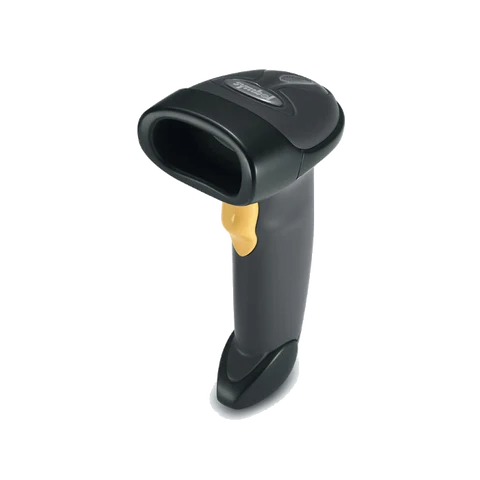
Handheld barcode scanners, or scanner guns, are the most common type of barcode scanner. At checkout, your cashier points the scanner at the barcode and pulls the trigger to activate it. Handheld scanners are a great choice if you sell heavy or bulky items, and they also make it easy to do inventory checks from the sales floor.
Presentation Scanners
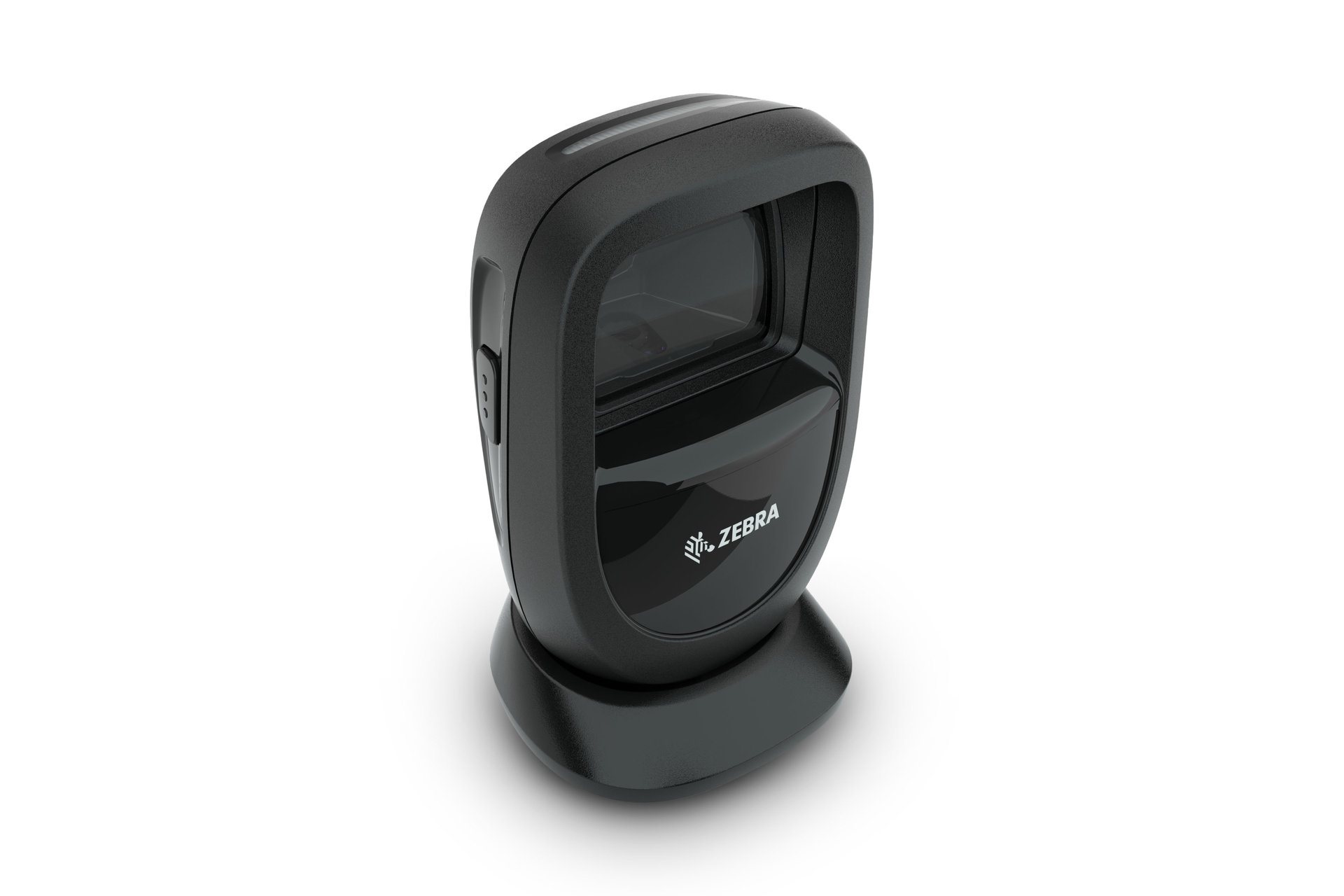
(Image source: Zebra Technologies)
A presentation scanner sits on the counter and scans items as they pass in front of it. These are ideal for retail counters with limited space as they have a small footprint.
Scanner Scales
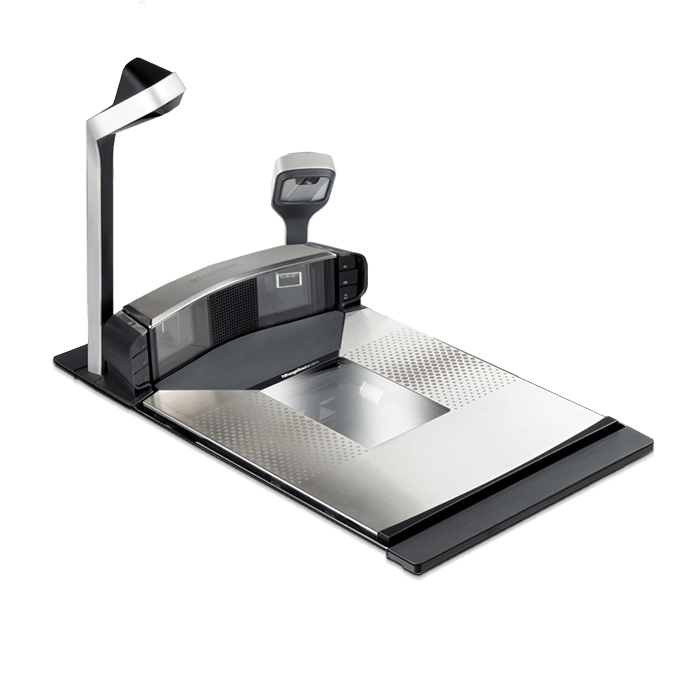
(Image source: Datalogic)
Scanner scales are built into the counter and scan items as they pass over it. They usually come with two readers to scan items from the front or the bottom. The built-in scales allow cashiers to weigh and price items at checkout. These are most commonly used in grocery stores.
Mobile Scanners
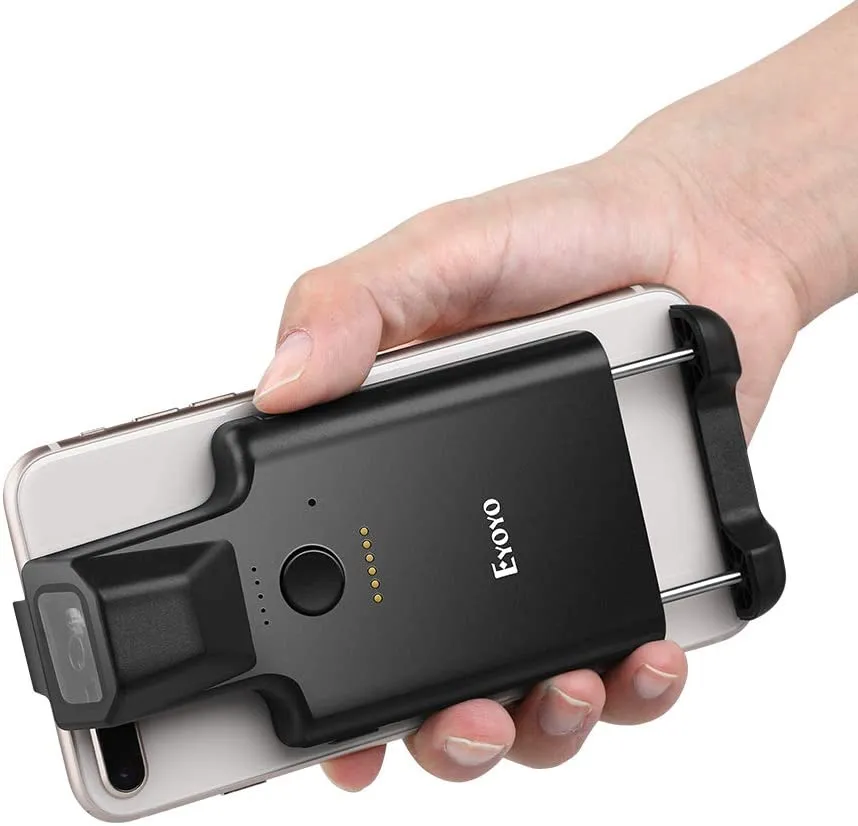
(Image source: Eyoyo)
Mobile scanners usually take the form of a wireless scanner gun, tablet, or a smartphone attachment.
Because smartphone cameras are of such high quality now, many modern POS systems have the ability to scan barcodes using a mobile app (but these can be less reliable than dedicated mobile scanning hardware).

The Most-Used Barcodes in Retail
A barcode is a series of rectangular shapes and digits containing information about a product when read by a compatible machine. Many products come from a manufacturer with a barcode already, but barcodes can be created on your POS system, too.
The most commonly used types of barcodes include:
| UPC-A | This is one of the most widely used barcodes in America and uses a 12-digit code to identify the product and its manufacturer. |
| UPC-E | This condensed type of barcode uses only six digits instead of 12. It’s usually used on produce or other smaller items with a limited amount of space. |
| EAN 13 | A European Article Number (EAN) is commonly used globally and in the U.S. The EAN uses 13 digits instead of 12. |
| Quick Response (QR) code | A QR code is a square 2D barcode containing website URLs, contact details, and reference information. These are typically used more for promotion or coupons. |
Most POS systems are equipped to read UPCs and EANs. The same is not true of QR codes or other 2D barcodes. If you’re thinking of switching POS systems, check your stock to see which types of barcodes they use.
1D vs. 2D Barcodes: What’s the Difference?
The major difference between a 1D and 2D barcode is the amount of information they store. 1D barcodes are simpler and make up the majority of what you see at a typical retailer. 2D barcodes are usually reserved for warehouses with more complicated supply chain tracking.
The most common types of 2D barcodes a retailer needs to scan are an ID for age verification or a QR code.
That said, many scanners are capable of reading both 1D and 2D barcodes.
|
Important note All scanners that can verify ID are 2D barcode scanners, but not all 2D scanners can scan ID. If you need to verify customer ages, make sure ID scanning is supported. |
Where To Buy a Retail Barcode Scanner
If you’re looking to upgrade or buy new barcode scanners, you have a few options:
- From a reseller: Many businesses specialize in reselling hardware to retailers, including options to get cheaper, refurbished items.
- Online stores: If you only need a basic scanner and are confident it’s compatible with your POS system, you can browse Amazon or other large online retailers.
- Directly from your POS provider: Many POS systems work best with certain brands of hardware, so the safest bet is to buy directly from your POS provider. In many cases, they provide discounted hardware for existing customers.
It’s worth saying again: If you plan to buy hardware yourself, check with your POS provider and get a list of compatible hardware first.
Find the Right Barcode Scanner for Your Business
What’s the best barcode scanner for retail? It depends on your industry, the size of your store, and any other special needs you have.
That’s why we always recommend consulting an expert so you don’t overpay for hardware that isn’t a perfect fit.
Thinking of upgrading your POS system and hardware? Try out our Build and Price tool to configure your system today.

With nine years in content marketing and six years specializing in B2B tech, Gina leads the content team at POS Nation. Her expertise spans content writing, SEO, video, graphic design, and email marketing, with deep knowledge of retail technology and point of sale solutions.